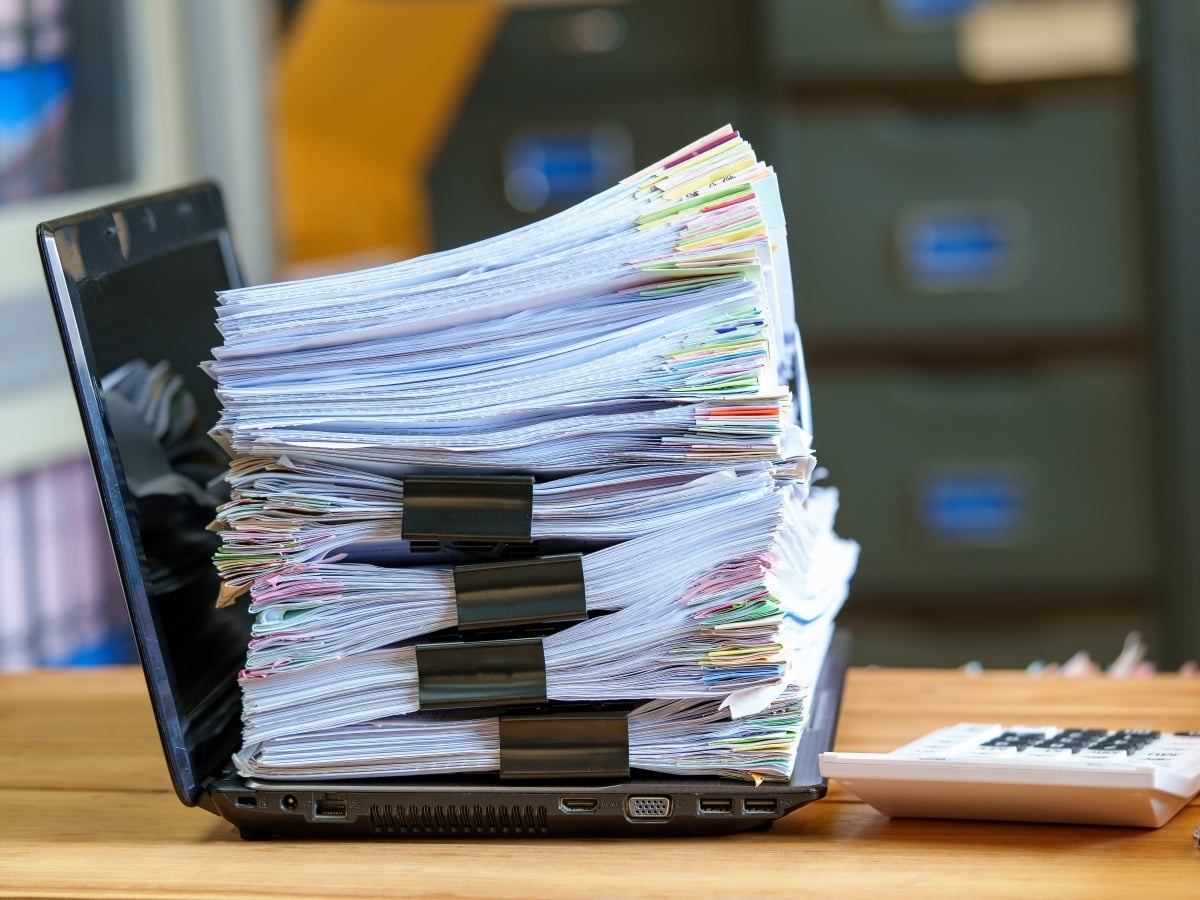
Paper documents are easy to overlook as a business expense. Filing cabinets fill gradually, storage rooms become crowded over time, and employees get used to searching for information the way they always have. But the cost of maintaining paper records extends far beyond boxes, folders, and filing supplies. Space, employee time, document retrieval, and security risks all contribute to the true cost of paper.
For businesses across every industry, including manufacturing, healthcare, financial services, education, government, legal, and professional services, paper records can create unnecessary work and make important information harder to access. Document scanning and digitization offer a practical way to reduce these challenges, improve efficiency, and bring greater control to business information.
The question is not simply what it costs to scan documents. It’s what your organization is spending to keep them on paper. Luckily, there’s a much better way to manage them.
The Hidden Cost of Storing Paper Documents
Physical records require physical space, and that space comes at a cost. Filing cabinets, storage rooms, supply closets, and offsite facilities all take up resources that could be used for other business priorities.
Office space involves more than rent or a mortgage. Utilities, maintenance, and facility expenses add to the cost of every square foot. When rooms are devoted to storing documents that employees rarely access, valuable space is tied up in records rather than available for people, equipment, or business operations.
Offsite records storage creates additional expenses, including recurring storage fees, transportation, retrieval charges, and the administrative time required to track files and coordinate requests. As records accumulate, these costs can continue long after the documents have stopped being useful for everyday work.
Digitizing paper records can reduce dependence on physical storage by making documents available electronically. Instead of locating a file cabinet or requesting a box from a storage facility, authorized employees can retrieve digital files from an appropriate document management system.
Of course, not every paper document should be scanned and discarded. Some records must be retained in their original form, while others may be eligible for disposal under an approved retention schedule. Evaluating records before a project begins helps organizations avoid unnecessary scanning and identify opportunities to reduce storage costs appropriately.
The Productivity Cost of Finding Information
Paper filing systems can work well when document volumes are small, and everyone knows where records belong. As a business grows, however, files become scattered across departments, locations, and storage facilities. Finding a particular document may require searching multiple cabinets, contacting colleagues, or waiting for a file to be retrieved.
Consider the range of records businesses manage every day: Invoices, purchase orders, employee files, customer agreements, maintenance logs, project plans, financial records, and historical correspondence. When these documents are difficult to locate, routine tasks take longer than necessary.
The impact goes beyond the time spent searching. Employees may need to interrupt colleagues, recreate missing information, delay decisions, or request duplicate copies of documents they already have. These interruptions can slow customer service, complicate internal processes, and take attention away from more valuable work.
A well-planned document digitization project makes information easier to find and share. Optical character recognition (OCR) can convert printed text in scanned documents into machine-readable text, allowing users to search document contents rather than relying solely on file names. Indexing documents by relevant details, such as customer name, account number, project, date, or document type, makes retrieval more consistent. The result is more than a digital copy of a paper file. It’s information that can be accessed and used more efficiently.
Paper Records Can Create Security and Business Continuity Risks
Paper documents often contain sensitive information, so protecting those records requires careful handling and appropriate storage controls. Physical documents can be misplaced, damaged, removed without authorization, or viewed by people who have no business need to access them. Records transported between offices or stored offsite may introduce additional handling and tracking considerations. Fire, flooding, and other unexpected events can also put paper records at risk.
Digitization creates opportunities to improve information management and security, but scanning alone does not make records secure. Digital files still require appropriate safeguards, including access permissions, secure storage, backup procedures, and policies governing how information is shared and retained.
A successful scanning project considers the entire process, from preparing and handling original documents to scanning, quality checking, transferring, and delivering the resulting files. For sensitive records, businesses should establish clear procedures for maintaining confidentiality throughout the project.
Digitization can also contribute to business continuity. When digital records are properly backed up and managed, authorized employees may be able to access important information even when an office is unavailable. This can be especially valuable for organizations with multiple locations, remote employees, or operations that depend on timely access to business records.
Why Scanning is Only the First Step
Not all document scanning projects deliver the same results. Converting paper pages into image files is a useful start, but those files have limited value if they are difficult to search, poorly organized, or incomplete.
Effective document digitization involves more than scanning. Documents may need to be prepared by removing staples, organizing pages, and identifying different record types. Once scanned, files should be reviewed for legibility, completeness, and proper page orientation. OCR can make printed text searchable, while indexing and consistent file naming help employees locate the information they need.
Planning where and how digital files will be stored is equally important. Some organizations need documents integrated into an existing document management system, while others require files organized by department, customer, project, or record type. Establishing these requirements before scanning begins helps create a more consistent, usable digital collection and reduces the risk of costly rework.
Quality control is essential, particularly for large-scale projects. Missing pages, illegible images, incorrectly scanned documents, or incomplete indexing can make digital records difficult to rely on. Reviewing files throughout the process helps ensure the finished documents are accurate, complete, and accessible.
For businesses with substantial document backlogs, an experienced scanning provider brings the equipment, processes, and project coordination needed to manage the work efficiently. The goal is to create digital records that do more than replace paper – they should make business information easier to find, use, and manage.
Calculating the Real Value of Digitization
The return on investment from document scanning depends on an organization’s records, workflows, and business priorities. A useful evaluation considers more than the cost of scanning each page. It also accounts for storage expenses, employee time spent filing and retrieving documents, transportation and retrieval fees, and the operational impact of delays. These costs should be weighed against scanning, document preparation, OCR, indexing, quality assurance, and digital storage.
The benefits vary by industry and business need. A manufacturer may prioritize access to technical drawings, maintenance records, and production documents. A healthcare organization may need to make administrative records easier to retrieve, while a financial services company may focus on customer files and transaction records. For legal teams, digitizing paper records converts physical documents such as contracts, correspondence, invoices, and other case-related materials into digital files that can be loaded into an eDiscovery platform for processing, searching, review, and production as part of litigation.
For some organizations, the primary benefit of digitization is reducing physical storage costs. For others, it is improving productivity, making records accessible across multiple locations, strengthening records management, or preparing paper documents for litigation and electronic discovery.
A phased approach can make the process more manageable. Frequently accessed files, records occupying valuable office space, and documents needed for an active case or project may be good candidates for an initial scanning effort. Reviewing records before scanning can also help establish priorities and avoid unnecessary work, while ensuring applicable retention and legal requirements are considered.
Ultimately, the goal is not simply to digitize as much paper as possible. It is to make business information easier to access, protect, and manage while reducing unnecessary costs. Whether an organization is streamlining everyday operations or preparing paper records for discovery, a well-planned digitization strategy can turn a paper-heavy process into a more efficient one.
How Avalon Can Help Your Organization Move Beyond Paper
For more than 25 years, Avalon has helped organizations manage business documents and handle the work involved in converting paper records into usable digital information. That experience spans the practical challenges of document processing, from managing large volumes of paper to coordinating scanning projects around an organization’s specific needs.
Our business document services include high-volume scanning and onsite scanning for organizations that need records digitized at their own locations. Onsite scanning can be especially valuable when documents are confidential, regulated, actively used, or difficult to transport. Avalon can bring trained professionals and secure equipment directly to a client’s office or another designated location, helping keep original records on the premises during the scanning process.
Projects can be tailored to the types of documents involved, the volume of records, and how the resulting files will be used. Whether an organization needs to digitize an active file room, convert accumulated records, handle large-format documents, or improve access to frequently used files, planning the process around the end goal helps ensure the finished digital records are practical and useful.
The right approach begins with understanding what the organization needs to accomplish, which records should be prioritized, how documents must be handled, and where the digital files will ultimately reside. From there, a scanning plan can address preparation, indexing, quality control, security, and delivery. With an experienced partner, a project that once seemed overwhelming can become a manageable step toward more efficient document management.
Make Your Records Work Harder for Your Business
Document scanning and digitization offer businesses an opportunity to reclaim space, streamline workflows, improve access to information, and strengthen control over their records. The benefits depend on choosing the right documents, planning the process carefully, and ensuring that digital files are accurate, searchable, secure, and appropriately maintained.
Avalon brings years of document services experience to organizations looking for a better way to manage paper. Whether the need is onsite scanning, a large-scale digitization project, or a more efficient approach to existing records, our experts can help develop a solution that fits your business. So, if you’re ready to make the move from paper to digital files, contact Avalon to discuss your document scanning and digitization needs.